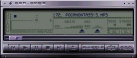
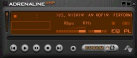
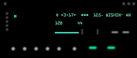
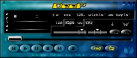
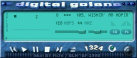
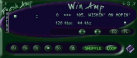
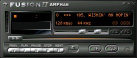
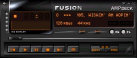
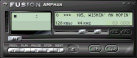
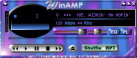
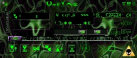
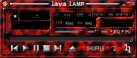
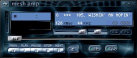
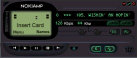
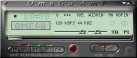
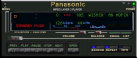
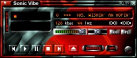
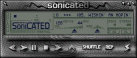
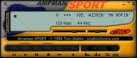
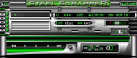
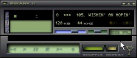
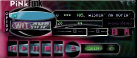
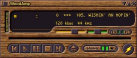
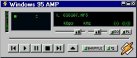
| These are my collections of WinAmp skins.
Please click one the thumbnails below to download them. Before you get started, make sure
you have WinAmp player and WinZip to unzip these compressed files.
If you don't owned a WinAmp player please visit WinAmp home
page at http://www.winamp.com to download one.
To download WinZip please go to http://www.winzip.com .
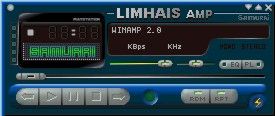
This is my own design
Below are my WinAmp skins collections
Installation guide
To install skin into your WinAmp player, simply unzip the BMP
files into your "...\Winamp\Skins\" directory. For DLL plug-in files it
should go into "...\Winamp\Plugins\" directory. It should unzip everything into
the appropriate sub-folders.
After the above steps are done. Launch WinAmp and hit ALT+S
or simply go to Option-->Select skin to access your skins listing, select the skin of
your choice by name.
Note: "Skins" function work only with WinAmp 1.80 or
higher and not previous versions. If you're using an earlier version, visit http://www.winamp.com and download the latest version.
|